
CadQuery:如何移动/平移拉伸的草图
在我们之前的示例 CadQuery 最小草图拉伸示例 中,我们展示了如何创建和拉伸简单草图。
你可以使用以下代码轻松平移
move_translate_extruded_sketch.py
result = result.translate(cq.Vector(1,0,0))完整示例
full_example_translate.py
import cadquery as cq

# Create workplane (2d coordinate system for us to create the sketch in)
wp = cq.Workplane("XY")
# Create sketch, create rect, close sketch and extrude the resulting face
result = wp.sketch().rect(2, 2).finalize().extrude(0.1)
result = result.translate(cq.Vector(1,0,0))

result # This line is just to show the result in cq-editor or jupyter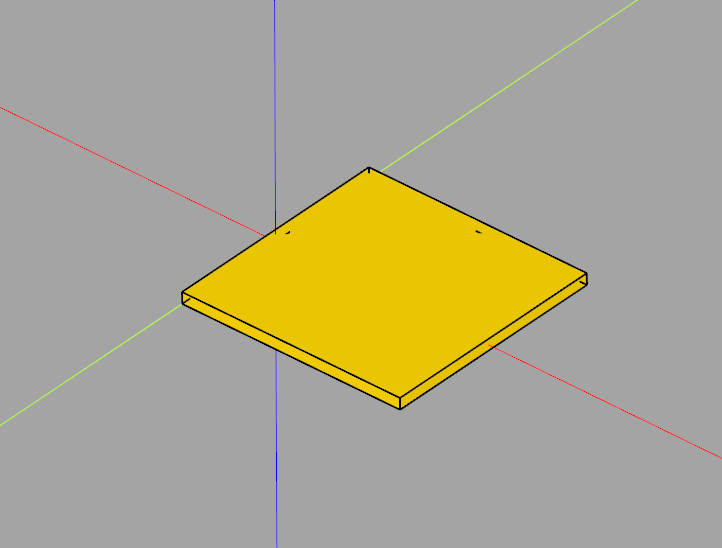
If this post helped you, please consider buying me a coffee or donating via PayPal to support research & publishing of new posts on TechOverflow