
Hugo-Skript zum einfachen Hinzufügen von Bildern zu Ihrem Blog
Dieses Skript kann verwendet werden, um automatisch Bilder in das static-Verzeichnis zu kopieren und das korrekte Markdown dafür zu generieren.
Wenn das pyperclip-Modul installiert ist, wird es auch das Markdown in die Zwischenablage kopieren, um das Einfügen zu erleichtern.
Verwendung wie folgt:
add_image_usage.sh
./add-image.py ~/Downloads/new-image.svgSkript-Quellcode
add_image.py
#!/usr/bin/env python3
from datetime import datetime
import argparse
import os.path
import subprocess
import shutil
from urllib.parse import quote
try:
import pyperclip
except ImportError:
pyperclip = None
if __name__ == "__main__":
parser = argparse.ArgumentParser(description="Create a new post")
parser.add_argument("imagefile", help="The image to import")
args = parser.parse_args()
now = datetime.now()
canonical_image_filename = os.path.basename(args.imagefile)
filename_url_encoded = quote(canonical_image_filename)
# Dateipfade im Bilderverzeichnis berechnen
dirpath = os.path.join("static", "images", f"{now.year}", f"{now.month}")
filepath = os.path.join(dirpath, canonical_image_filename)
filepath_url_encoded = os.path.join(dirpath, filename_url_encoded)
print(f"Adding image to {filepath}")
os.makedirs(os.path.dirname(filepath), exist_ok=True)
shutil.copy(args.imagefile, filepath)
# Zu git hinzufügen
subprocess.run(["git", "add", filepath], check=True)
# Benutzerführung zur Verwendung des Pfads
fileurl = filepath_url_encoded.partition("/")[-1]
caption = canonical_image_filename.replace("_", " ").replace("-", " ").replace(".png", "")
markdown = f""
print("Use the image like this:")
print(markdown)
# In Zwischenablage kopieren
if pyperclip:
pyperclip.copy(markdown)
print("Markdown copied to clipboard.")
else:
print("pyperclip not installed. Install with: pip install pyperclip")Beispielausgabe
add_image_output.txt
Adding image to static/images/2024/6/new-image.svg
Use the image like this:

Markdown copied to clipboard.Es wird auch Sonderzeichen wie Leerzeichen in Dateinamen korrekt behandeln, zum Beispiel:
add_image_output_spaces.txt
Adding image to static/images/2024/9/KiCad No Icons.png
Use the image like this:
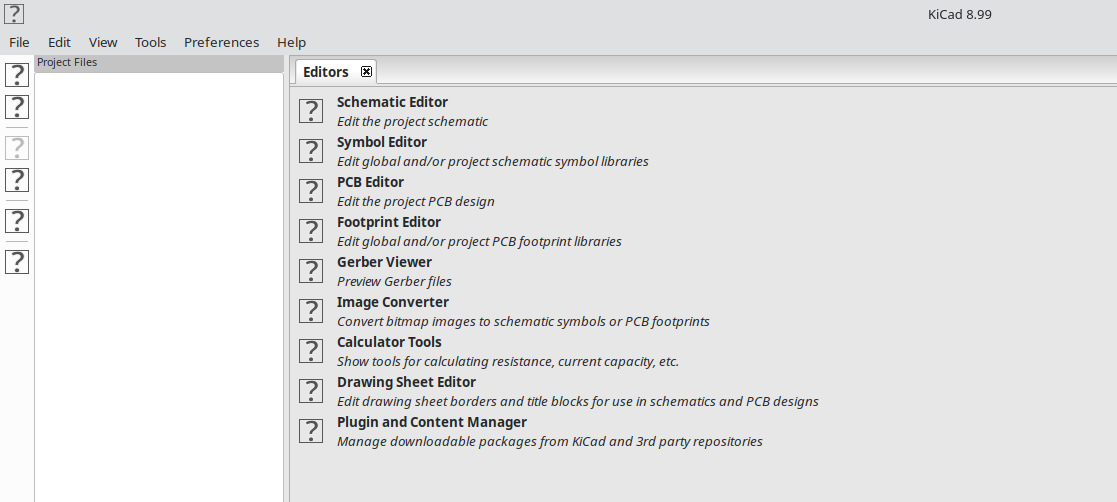
Markdown copied to clipboard.If this post helped you, please consider buying me a coffee or donating via PayPal to support research & publishing of new posts on TechOverflow